What Is the Google Map Pack?
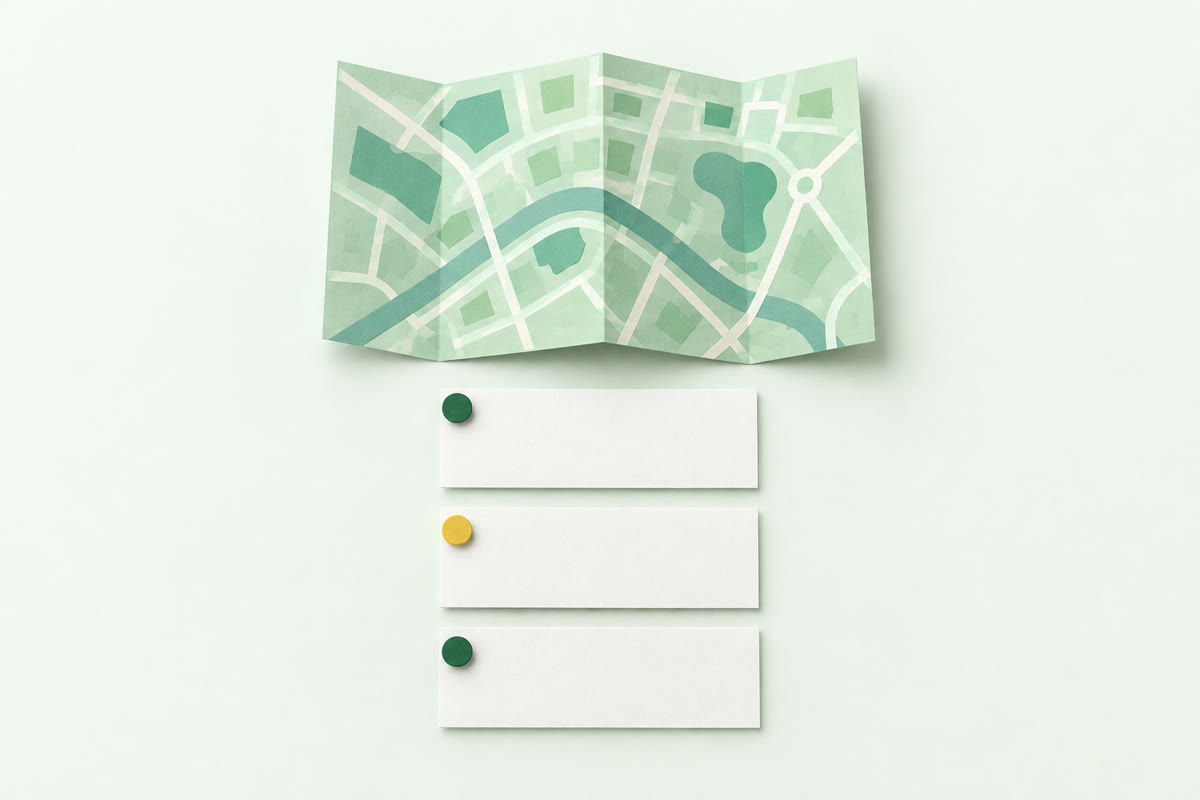
The Google map pack is the set of three local businesses Google shows with a map above the normal results when someone searches for a local business. Which three businesses a customer sees depends partly on where they search from, so two people in the same UK town can see a different three for the same search. Whether your business is in the map pack can change with where in town the search is made.
- What it shows: The map pack puts three businesses on a map, with each one's name, star rating, number of reviews and buttons to call, get directions or visit the website.
- Where it sits: Google Search shows the map pack above the normal results.
- When it shows: Searches like "plumber near me", "dentist in Leeds" or just "electrician" can show the map pack: Google uses your location even when no place is named.
- Where the three come from: Map pack listings are built from Google Business Profiles, the same ones Google Maps shows. As of October 2026, a verified profile is more likely to show up in search results.
Is the local pack the same as the Google map pack and the 3-pack?
Yes, the local pack and the Google map pack are the same thing, and so is the 3-pack: the three local results Google shows with a map. Local pack, map pack, Google 3-pack and local 3-pack all name the same three results, and snack pack is an older nickname for them. The map pack isn't the longer list of local businesses that opens when someone clicks "More places". The Google Maps app shows its own list of results, drawn from Google Business Profiles just as the map pack is. Google ranks local results on Google Maps and Google Search by the same three main things: relevance, distance and prominence.
The name matters less than where you're looking. On a Google Search page, the pack is the three businesses shown with the map. In the Google Maps app, you're looking at the app's own list instead. Whichever name a report or an article uses, it means those same three results above the normal results.
Why is the map pack different from one street to the next?
There isn't one map pack for a search because Google ranks local businesses partly on how far each is from the person searching. The same search made at opposite ends of one town can show a different set of three businesses, and the set can change from one street to the next. Distance, meaning how far each business is from the customer who's searching, is one of the three main things Google ranks local results on, alongside relevance and prominence.
Take a dental practice in the centre of a city. It can show in the three for someone searching "dentist" a few streets away and be missing for someone in a suburb on the edge of the city, where other practices are nearer. That's an example of what Google's distance factor means, not a measured result.
The nearest practice doesn't always win, though, because relevance and prominence count too.
Google uses the searcher's location even when the search names no place, so a search for just "dentist" still gets a map pack picked partly by where the searcher is.
How does Google decide which three businesses show in the map pack?
Google decides which three businesses show in the map pack by weighing three main things together: relevance, distance and prominence.
- Relevance is how well a Google Business Profile matches what someone is searching for.
- Distance is how far each business is from the customer who's searching.
- Prominence is how well known a business is, based partly on how many reviews it has and how many websites link to it.
As of October 2026, Relevance, Distance and Prominence are the headings on Google Business Profile Help's page on local ranking, and its summary line calls the third one "popularity".
Distance is the one you can't change, since you can't move your premises. You can work on relevance and prominence: pick the right categories, keep your Google Business Profile complete, earn reviews steadily and get listed on the sites customers check.
Can you pay to appear in the Google map pack?
No, you can't pay for a ranked place in the Google map pack because payment isn't a local ranking factor, but ads can appear inside and above the local results. There's no way to request or pay for a better local ranking on Google, so the three ranked places are earned on relevance, distance and prominence. A local ad is a separate listing a business pays for, not one of the three ranked places, even when it sits inside the local results.
- Local ads on Search: Google Ads Help's page on local ads says local ads in the longer list that opens from "More places" are marked "Sponsored". Ads above the normal results carry a "Sponsored" box.
- Promoted pins on Google Maps: Promoted map ads show as square markers on Google Maps, so they stand out from the usual round ones.
- Local Services Ads: In the UK, Local Services Ads are a separate ad unit in Google Search results for some trades, plumbers and electricians among them. The business pays for leads (calls and messages from customers), and in some trades the ad carries a "Google Verified" badge.
How do you see where your business sits in the map pack across your town?
You see where your business sits in the Google map pack by checking the same search from many spots across your town, not once from your own shop. Local Rank Tracker's free scan runs your search from every part of your town and shows where your business appears on Google Maps. The scan's map colours every spot by where you show up, and green means you're in Google's top 3 there.
From your own shop, you're the closest business, so you'll often look near the top, while a customer on the far side of town may not see you at all. A quick search from your own phone only shows the map pack for wherever you happen to be standing.
In a Local Rank Tracker report, the map's key runs Top 3, 4 to 10, 11 to 20 and Not found. Tap any spot to see the full top 20 a customer there would see.
Local Rank Tracker sums the map up in one figure, your top 3 share. That's the share of spots in your town where you're in Google's top 3, which SEOs call Share of Local Voice (SoLV).
The scan's area follows the real shape of your town, village or postcode district, so every spot is somewhere a customer could be. Not the sea, not a field.
You get one free scan a month: just sign up with your email, no card needed. Each free scan covers your whole town, up to 81 spots. It comes with the full report and a to-do list of what to fix first. On a plan, your searches are checked every week.